
Our customers have repeatedly asked for the "word counter" feature. My most considerable pushback was that it may distract the writer.
Then, like many things in Blogmaker, it's optional.
To begin with, the "word counter," even when turned "On," sits on the screen's bottom-left corner. Its subtle design in light grays makes it almost unnoticeable unless you're looking for it.
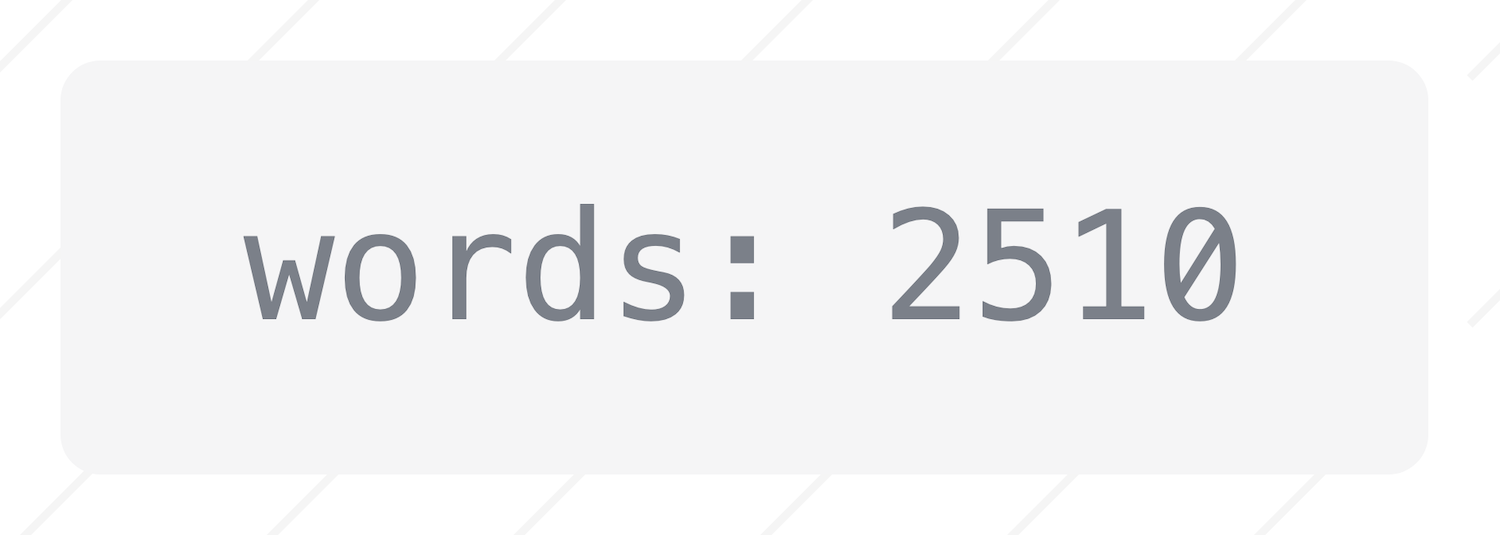
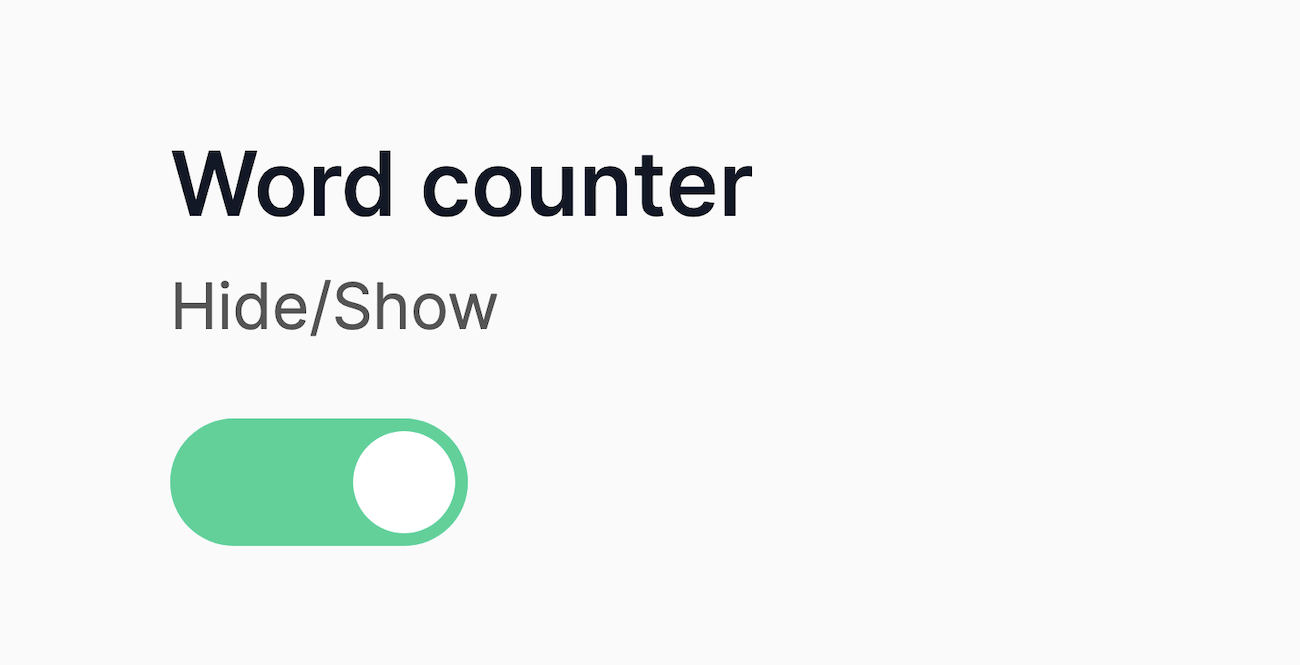
To have the "word counter" show in your editor in Blogmaker, head over to Settings > Advanced, scroll down the page, and voilà.
Thanks to all the customers who have requested this feature. And thank you for helping us make Blogmaker the best it can possibly be.
Publish your SEO–driven content!
Visit BlogMaker.app